Every custom website is really two projects wearing one URL: the part users see, and the part that does the work. For most of web development's history, those two halves lived in different stacks, different repos, and often different teams. Next.js collapses that divide. At Pixoraft, it's how we build custom websites that load fast, rank well, and ship in weeks instead of quarters.
The old split: two stacks for one website
Traditional web development draws a hard line down the middle of every project.
- Frontend stack React, Vue, or Angular running in the browser, plus a build pipeline, a router, and a state layer.
- Backend stack Node and Express, Django, Laravel, or Rails serving JSON from a separate server and database.
The two talk over an API you also have to design, version, secure, and document. That boundary is real work: duplicated types, two deploy pipelines, CORS headaches, and a constant translation tax between the team building screens and the team building endpoints. For a small marketing site or a custom website with a handful of dynamic features, that overhead can cost more than the features themselves.
How Next.js combines frontend and backend
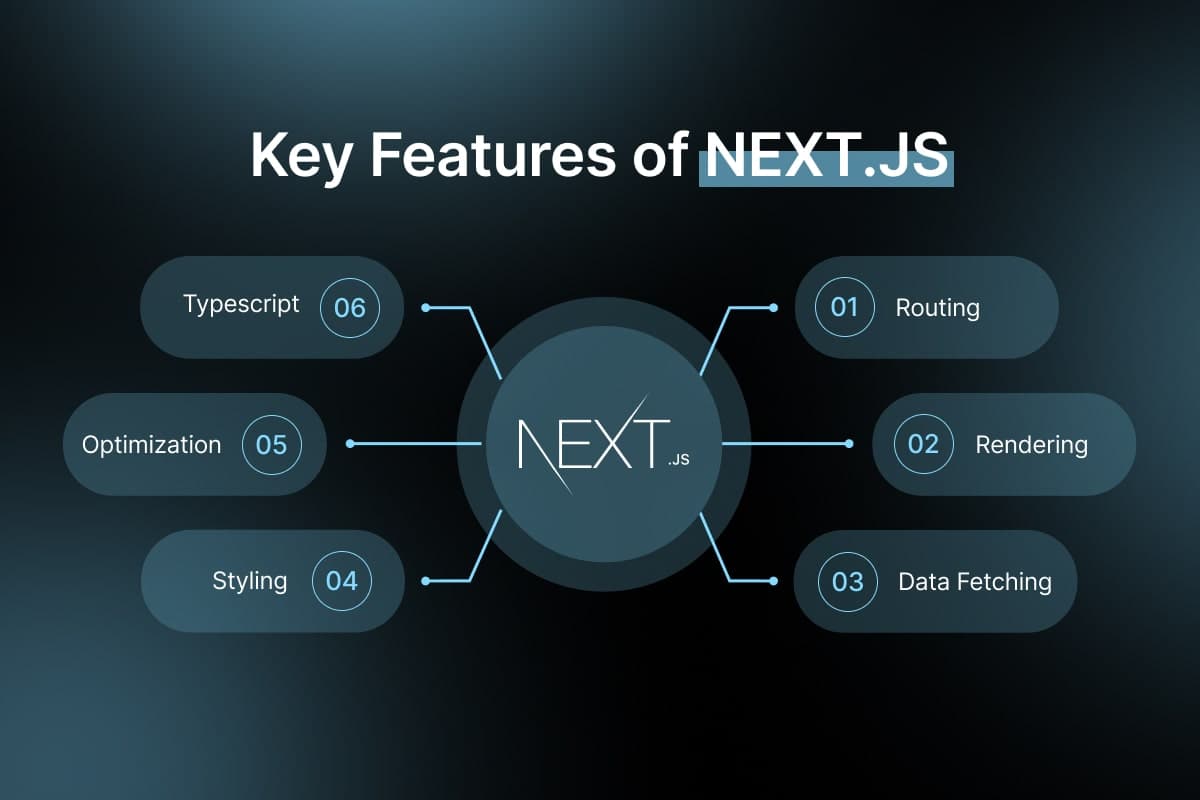
Next.js keeps the frontend and backend in one codebase, one deploy, one set of types. The App Router lets a single project render UI, fetch data on the server, expose APIs, and handle form submissions without a separate backend service in the middle.
Three pieces do most of the heavy lifting.
1. Server Components fetch data where it lives
A React Server Component runs on the server, so it can talk to your database directly and send finished HTML to the browser. No loading spinner, no client-side fetch, no exposed API key.
1// app/products/page.tsx — runs on the server2import { db } from "@/lib/db";3 4export default async function ProductsPage() {5 const products = await db.product.findMany({ where: { active: true } });6 7 return (8 <ul>9 {products.map((p) => (10 <li key={p.id}>{p.name} — ${p.price}</li>11 ))}12 </ul>13 );14}_This is the part that makes custom websites feel instant: the data is already in the HTML when the page arrives.
2. Route Handlers are your backend API
When you do need a real endpoint a webhook, a mobile client, a third-party integration a Route Handler gives you one in the same project.
1// app/api/orders/route.ts2import { NextResponse } from "next/server";3import { db } from "@/lib/db";4 5export async function GET(request: Request) {6 const user = await authenticate(request);7 const orders = await db.order.findMany({ where: { userId: user.id } });8 return NextResponse.json({ orders });9}_Same repo, same types, deployed alongside the frontend. There's no separate backend server to stand up.
3. Server Actions handle forms without an API
For most write operations on a custom website contact forms, bookings, dashboard edits you don't even need an endpoint. A Server Action is a function that runs on the server but is called straight from your component.
1// app/contact/actions.ts2"use server";3 4export async function submitInquiry(formData: FormData) {5 const email = String(formData.get("email"));6 await db.inquiry.create({ data: { email } });7 return { ok: true };8}_The form calls it directly, validation runs server-side, and there's no fetch call to write or API route to secure.
What this means for custom websites
Combining the stacks isn't just tidier it changes the outcome of the build.
- Performance by default. Server rendering ships HTML first, so pages paint fast and score well on Core Web Vitals.
- SEO that works. Content is in the initial response, so search engines index it without running JavaScript critical for any custom website that depends on organic traffic.
- One source of truth. Types flow from the database to the UI without a hand-written API contract in between, so fewer bugs slip through the seams.
- One team, faster shipping. The same engineers own the screen and the query behind it. Fewer handoffs means features land in days, not sprints.
- Lower running cost. One deploy target instead of a frontend host plus a backend host plus the glue between them.
When you'd still separate them
A combined stack isn't the answer to every problem. If several clients — a website, a mobile app, and partner integrations all consume the same data, a standalone backend API still earns its keep. The good news is that Next.js scales into that shape gracefully: you can start unified and carve out a dedicated service later, without rewriting the frontend.
How Pixoraft builds it
We build custom websites on this combined Next.js foundation as our default for web development work server-rendered pages for speed and SEO, Route Handlers where a real API is warranted, and a database layer wired directly into the components that need it. The result is a codebase your team can keep shipping on, not a black box.
If you're planning a new build or replatforming an aging one, see how we approach web development at Pixoraft or book a strategy call and we'll map the right stack to your project.